> ## Documentation Index
> Fetch the complete documentation index at: https://flatfileinc-feat-updatereactquickstart.mintlify.site/llms.txt
> Use this file to discover all available pages before exploring further.
# Types
> Field Types inform the user interface how to sort and display data.
## Overview
Blueprint offers 6 supported field types. Field Types inform the user interface how to sort and display data.
Setting a field type does not transform or validate data out-of-the-box. Try
[@flatfile/autocast](../plugins-docs/transform/autocast) to automatically
convert the data in the Sheet to match the type defined by the Blueprint.
### `string` *(default)*
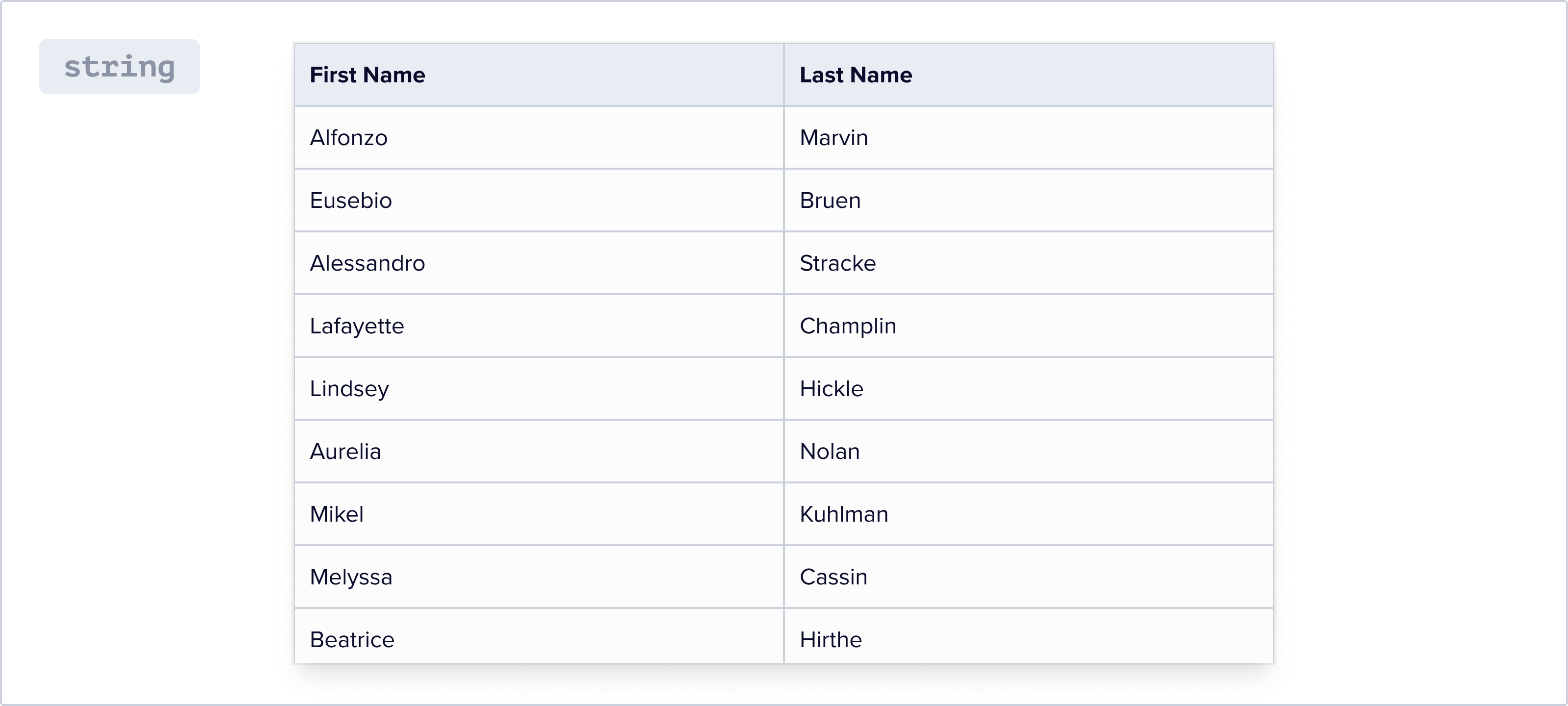
Defines a property that should be stored and read as a basic string.
```json
{
"key": "sku",
"label": "Product Code",
"type": "string"
},
```
### `number`
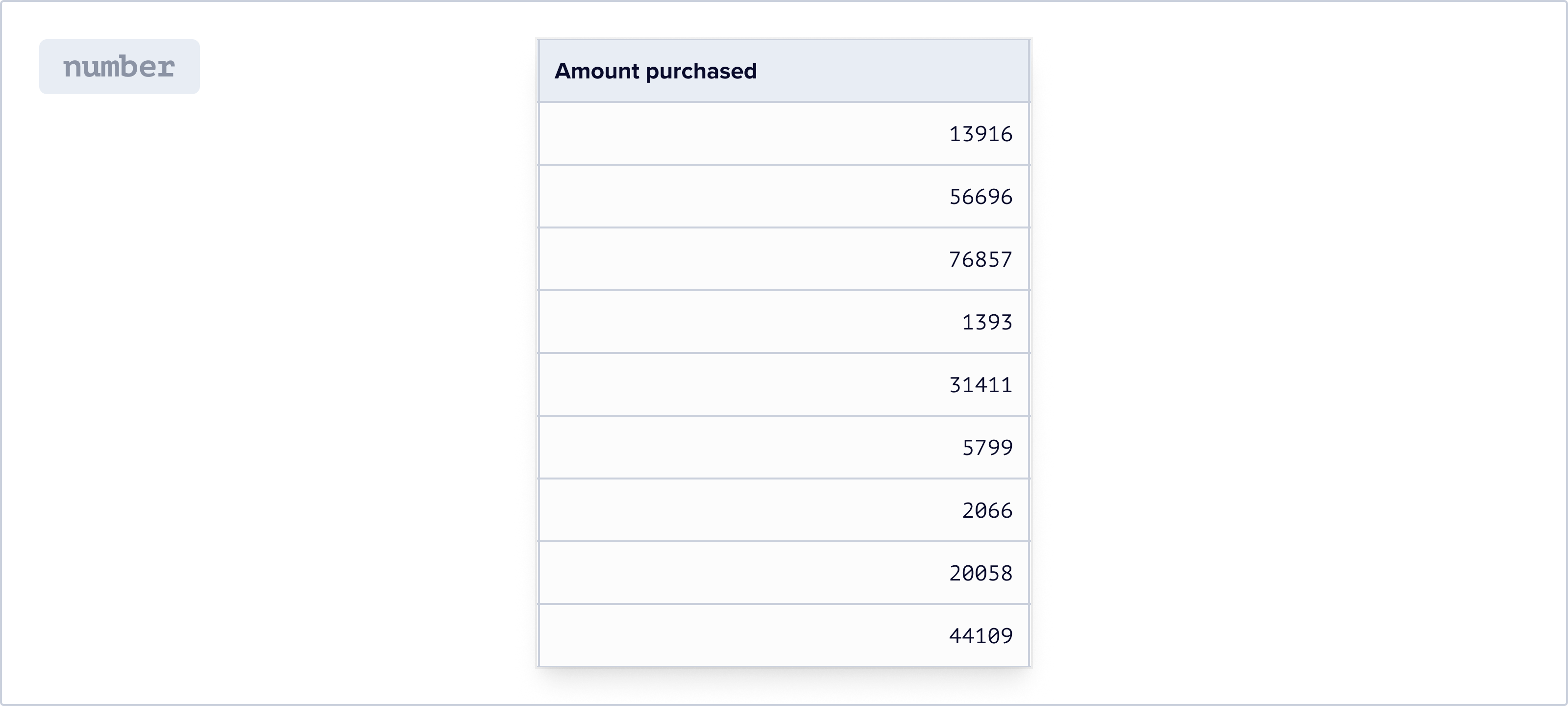
Defines a property that should be stored and read as either an integer or floating point number. Numbers are displayed using a monospaced font. Database engines should look at the configuration to determine ideal storage format.
```json
{
"key": "price",
"label": "Retail Price",
"type": "number"
},
```
### `enum`
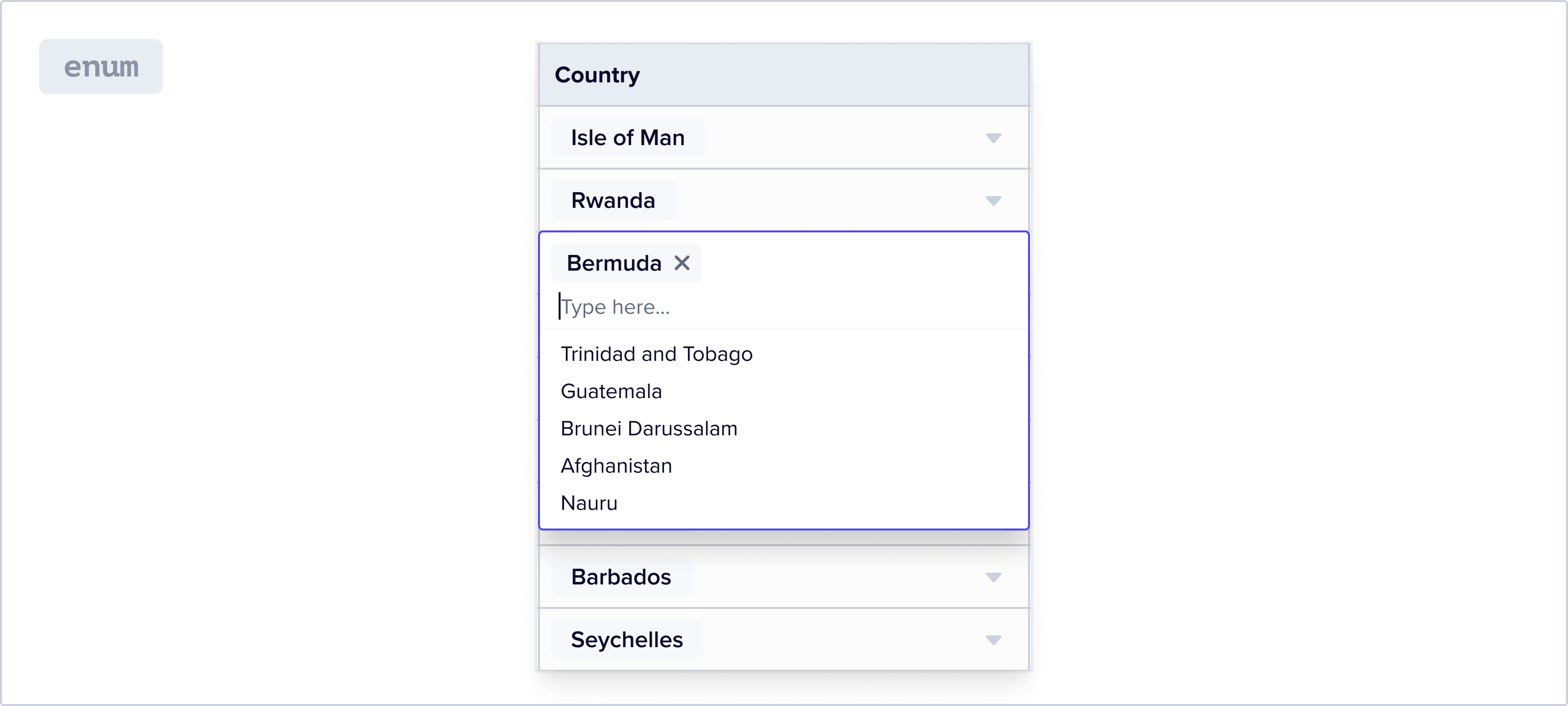
Defines an enumerated list of options for the user to select from. Matching tooling attempts to resolve incoming data assignment to a valid option. There is no limit to number of options you can define, but when either the source (file) or destination (Blueprint) list contains more than 100 enums, our mapping AI will now utilize a simplified algorithm to optimize for performance. For large lists, we recommend you use the `reference` lookup types.
Using `config.allow_custom` does not result in these being recognized as valid
`enum` values. Consequently, they continue to be flagged as errors. To use
custom enum values anyway, end users will choose the option to "leave values
as is" on the mapping screen.
Permit the user to create new options for this specific field.
An array of valid options the user can select from
The value or ID of this option. This value will be sent in egress
A visual label for this option, defaults to value if not provided
An optional color to assign this option
A reference pointer to a previously registered icon
An arbitrary JSON object to be associated with this option and made available to hooks
```json
{
"key": "status",
"label": "Status",
"type": "enum",
"config": {
"options": [
{
"value": "active",
"label": "Active"
},
{
"value": "inactive",
"label": "Disabled",
"color": "#ff0000",
"icon": "fa fa-ban",
"metadata": {
"foo": "bar"
}
}
]
}
},
```
### `reference`
Defines a reference to another Sheet. Links should be established automatically by the matching engine or similar upon an evaluation of unique or similar columns between datasets.
Learn more about [Relationships](./relationships).
The full path reference to another Sheet/table configuration. Must be in the
same Workbook.
The type of relationship this defines. Can be `has-one`

### `boolean`
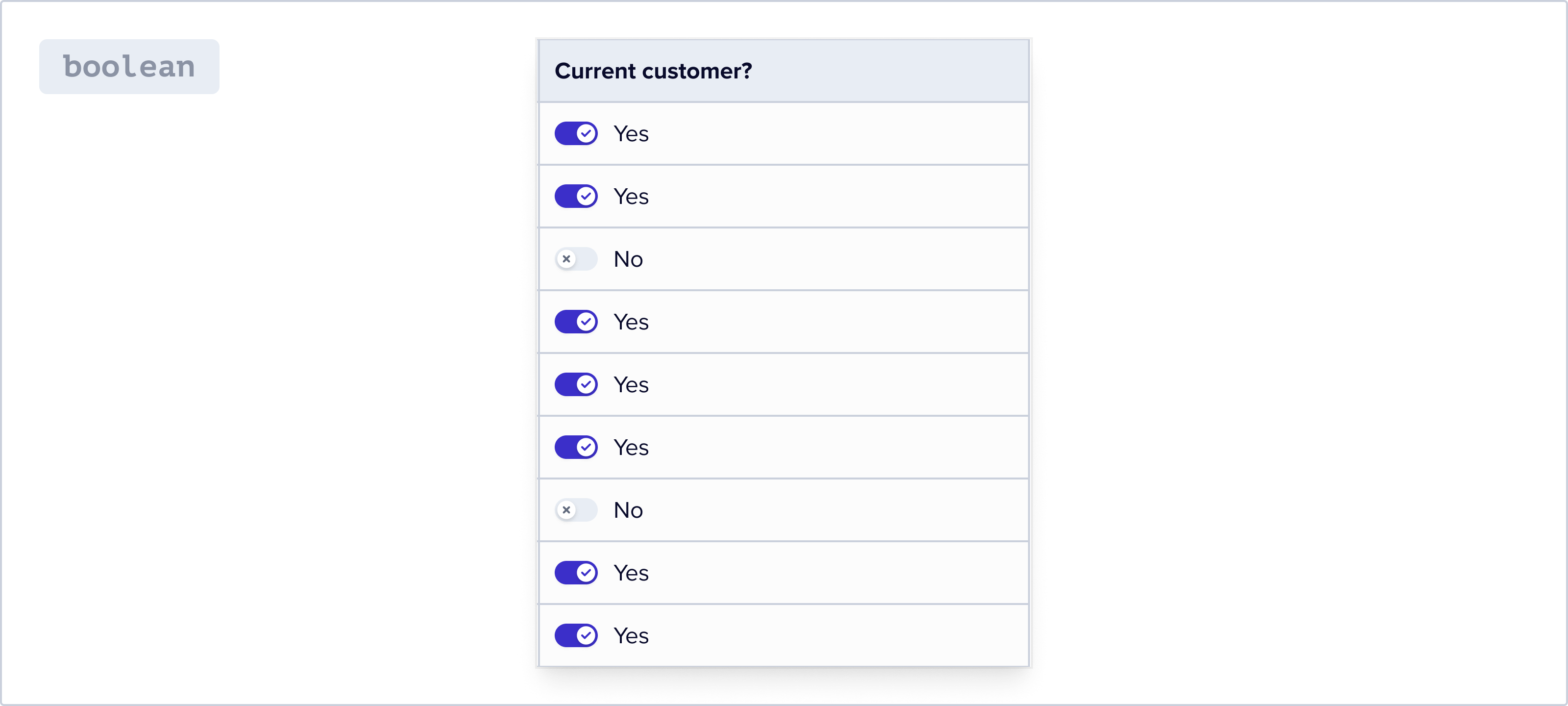
A `true` or `false` value type. This field type will be displayed as a slider.
```json
{
"key": "is_active",
"label": "Active",
"type": "boolean"
}
```
### `date`
Store a field as a UTC date. Date fields interpret incoming dates with Month (MM) preceding the Day (DD) in all formats.
In order to use "European" dates, formatted as DD-MM-YYYY, where the Day
precedes the Month, we recommend using a string field and a Record Hook to
interpret the date appropriately.{" "}
***
## Field Options
The system name of this field. Primarily informs JSON and egress structures.
One of `string`, `number`, `boolean`, `date`, `enum`, `reference`. Defines the
handling of this property.
A user-facing descriptive label designed to be displayed in the UI such as a
table header.
A long form description of the property intended to be displayed to an end
user.
An array of system level Validation Rules meant to be applied after hooks are
run.
Configuration relevant to the type of column. See property documentation
below.
Arbitrary object of values to pass through to hooks and egress